

App advantages
A helpdesk phone line can't do this. The app can.
A regular hotline doesn't know who's calling, doesn't remember the last call and won't wait while a device restarts. The X-TALK app does.
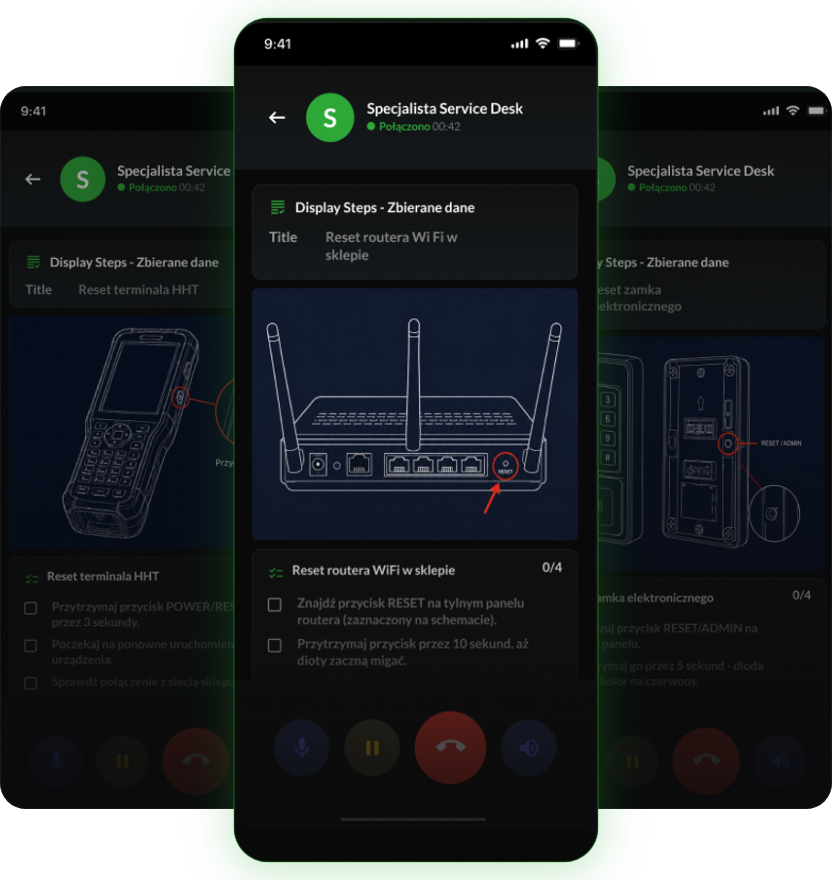
HHT terminalWi-Fi routerElectronic lock
Staff get back to customers faster. You see every case.
badge
What staff gain
check_circle
Speak in their own words, no menus or numbers
check_circle
See steps and device diagrams during the call
check_circle
Add a photo to the ticket in one tap
check_circle
Come back to a case without explaining it again
domain
What the company gains
check_circle
The procedure followed the same way every time
check_circle
Fewer escalations to technicians
check_circle
Tickets with location, device and summary
check_circle
Every case's history in one thread
Real screens
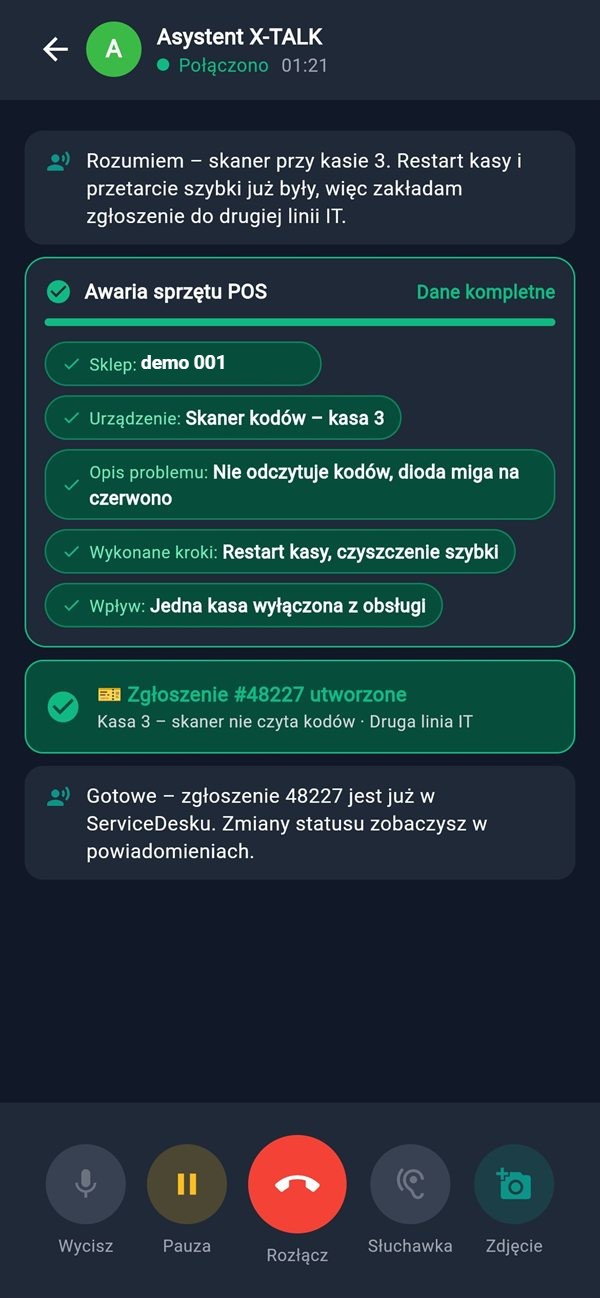
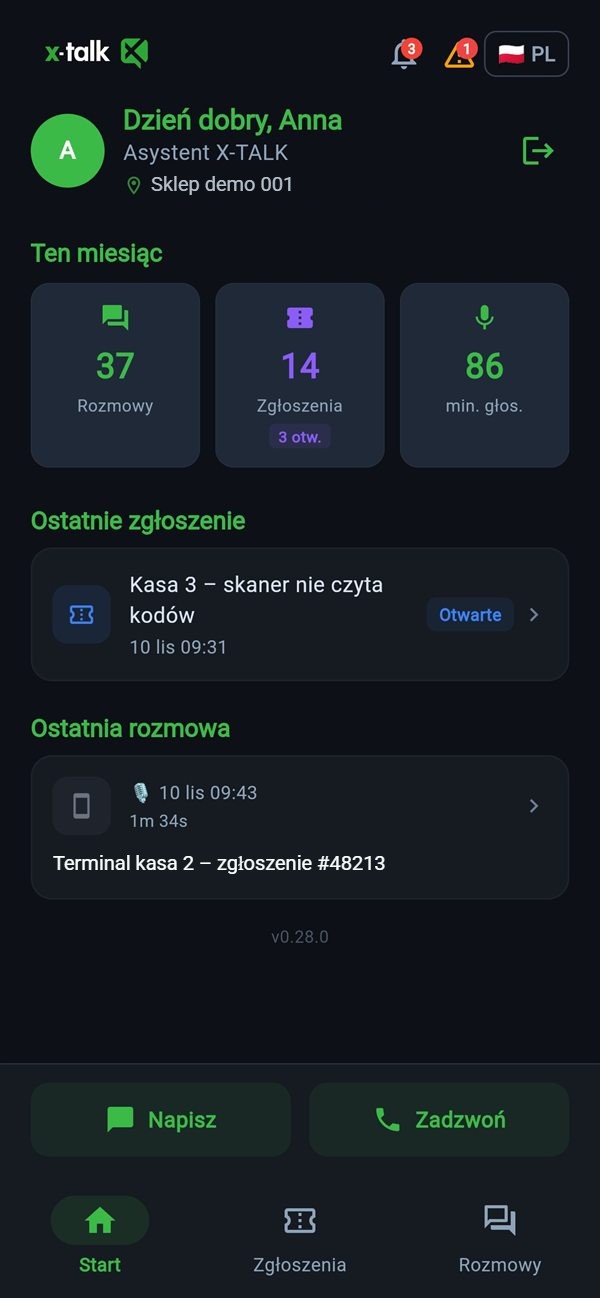
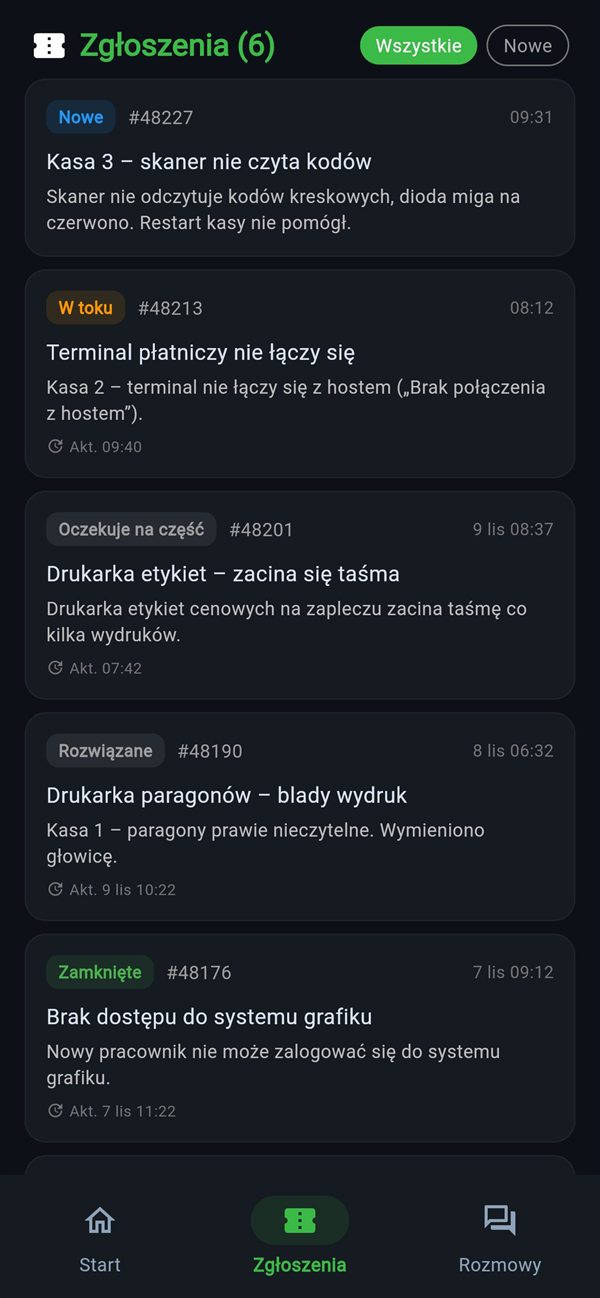
This is the app in your employee's hands.
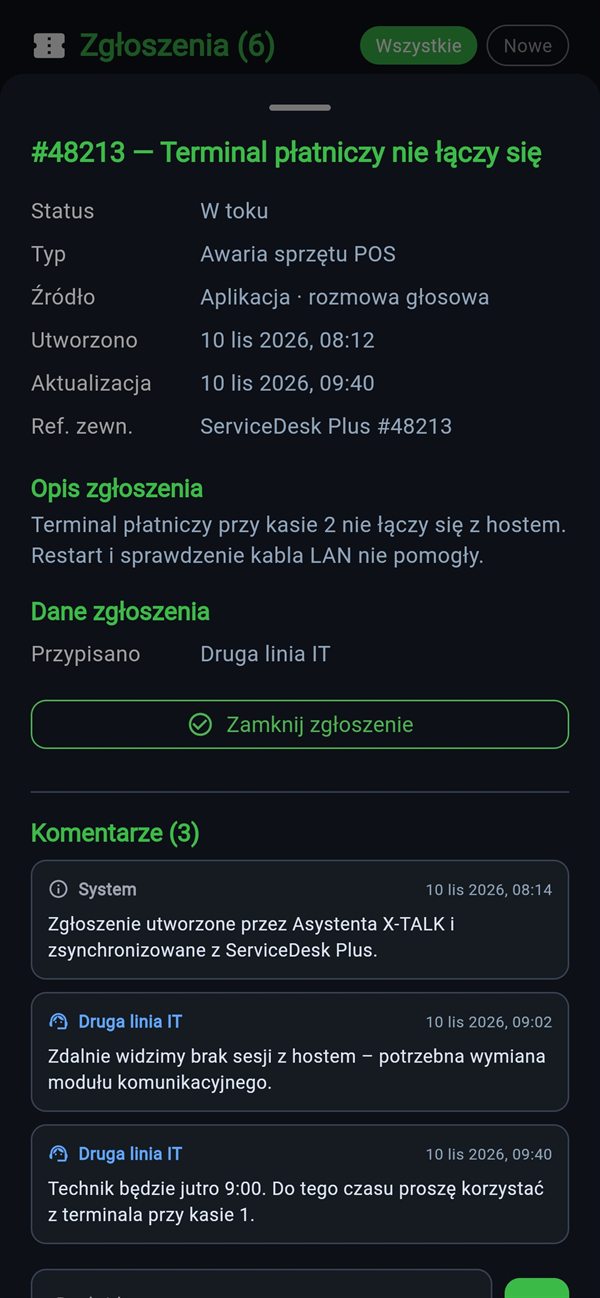
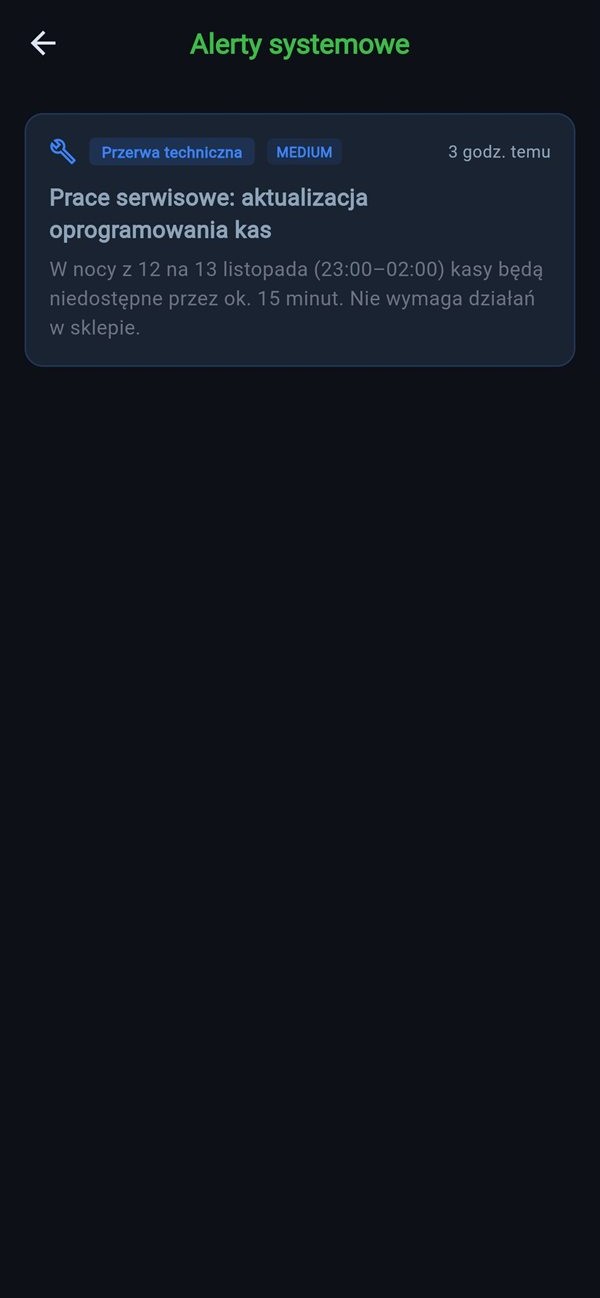
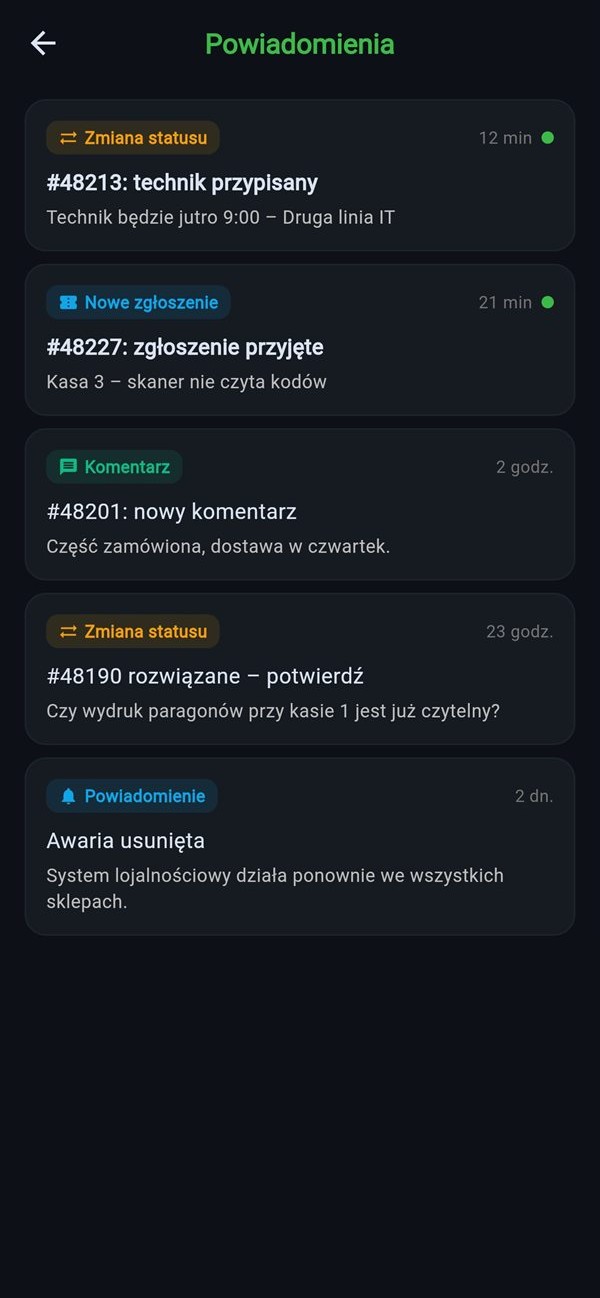
info
Screens with demo data. See the deployment in over 340 stores →
In the app
Everything the first line needs, on one screen.
call
Call or write
The same agent by voice and chat. Staff choose whatever is easier at the moment.
checklist
Steps to tick off
The agent shows the procedure and device diagram, and staff tick off each step.
add_a_photo
Photo to ticket
Instead of describing the fault at length, staff take a photo and attach it to the case.
confirmation_number
Ticket list
Status of every case at the location. Open any of them and continue.
verified_user
Login and location
The agent knows who's calling and from which store before the first question.
translate
App language
Staff use the app in their language and the agent replies in the same one.
Available on
android
Android
language
Browser